








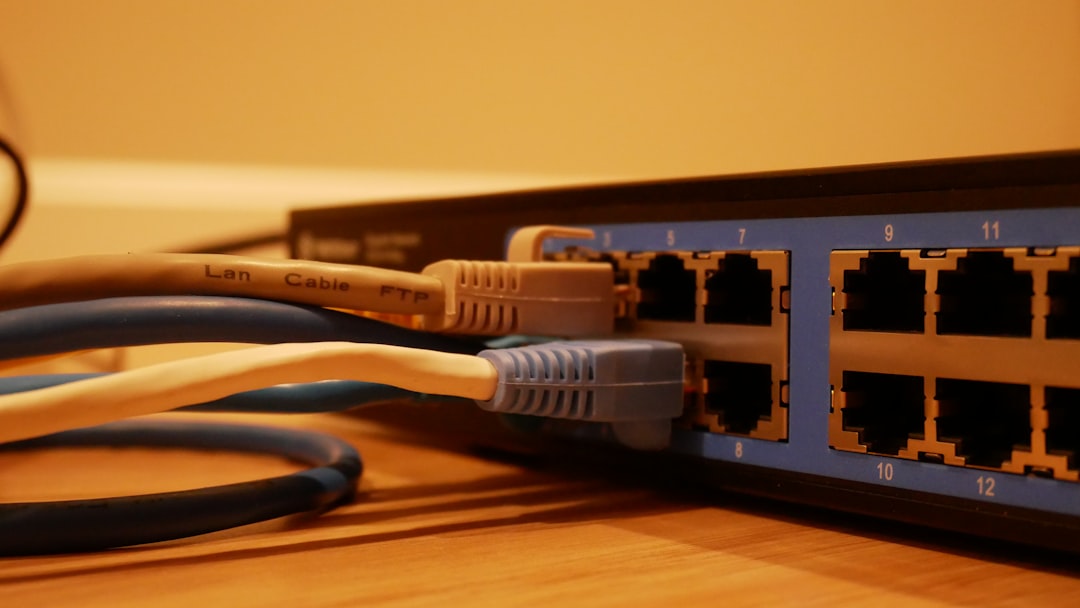
In contemporary digital environments, internet connectivity has become a fundamental infrastructure requirement comparable to electricity and water utilities. The router functions as the primary interface device connecting local area networks to the broader internet infrastructure. Router quality directly determines network performance metrics including data transmission speed, connection stability, and security protocols.
Router performance significantly affects user experience and network functionality. Lower-quality routers typically exhibit reduced data throughput, intermittent connectivity issues, and limited wireless coverage areas with weak signal strength. Higher-quality routers maintain consistent performance when managing multiple concurrent device connections, which is essential in environments with numerous connected devices including smart home systems, streaming media services, and online gaming platforms.
Advanced routers incorporate Quality of Service (QoS) functionality, which enables bandwidth allocation prioritization for specific applications or devices. This feature ensures consistent performance for latency-sensitive applications such as video conferencing and real-time gaming, even during periods of high network utilization by other connected devices.
Key Takeaways
- A quality router is essential for reliable and fast home internet connectivity.
- Selecting the right router depends on your home size, device count, and internet usage.
- Proper router placement significantly enhances Wi-Fi coverage and signal strength.
- Utilizing security features like WPA3 and firmware updates protects your network from threats.
- Mesh Wi-Fi systems and advanced settings can expand coverage and optimize network performance.
Choosing the Right Router for Your Home Network
Selecting the right router involves understanding your specific needs and the layout of your home. The first step is to assess the size of your living space and the number of devices that will connect to the network. For smaller homes or apartments, a basic dual-band router may suffice, providing adequate coverage and speed for everyday tasks such as browsing and streaming.
However, larger homes with multiple floors or thick walls may require a more powerful tri-band router or even a mesh Wi-Fi system to ensure comprehensive coverage. Another critical factor to consider is the internet speed provided by your service provider. Routers come with different specifications that determine their maximum throughput capabilities.
For instance, if you subscribe to a high-speed internet plan, investing in a router that supports Wi-Fi 6 (802.11ax) can significantly enhance your experience. Wi-Fi 6 routers offer improved speed, increased capacity for multiple devices, and better performance in congested areas. Additionally, features such as MU-MIMO (Multi-User, Multiple Input, Multiple Output) allow the router to communicate with multiple devices simultaneously, further optimizing network performance.
Optimizing Router Placement for Maximum Coverage
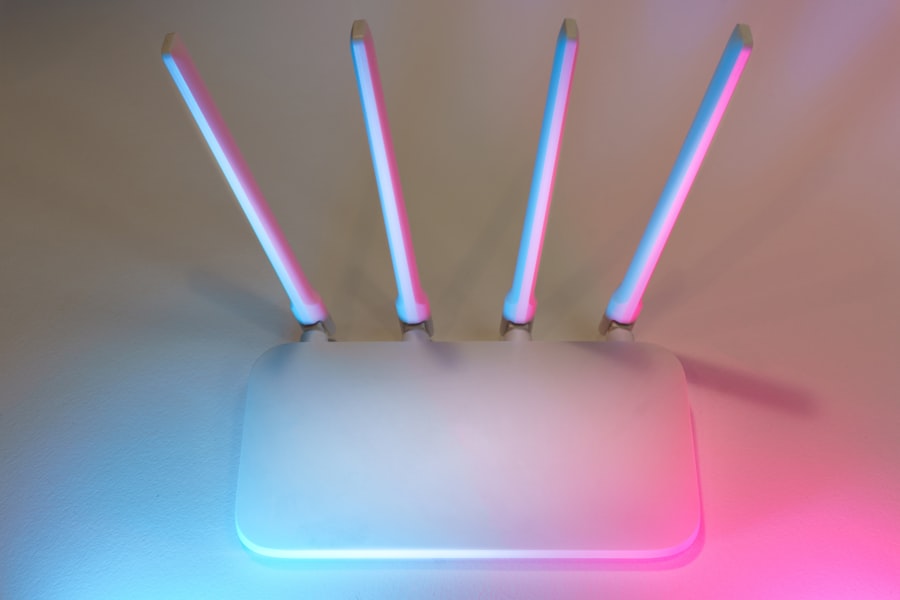
Once you have selected an appropriate router, the next step is to optimize its placement within your home. The location of your router can significantly influence the strength and quality of your Wi-Fi signal. Ideally, the router should be positioned in a central location within your home to maximize coverage.
Placing it in a high position, such as on a shelf or mounted on a wall, can also help reduce interference from furniture and other obstacles. Avoid placing the router near electronic devices that may cause interference, such as microwaves or cordless phones. These devices operate on similar frequencies and can disrupt the Wi-Fi signal.
Additionally, physical barriers like walls and floors can attenuate signals; therefore, it’s advisable to keep the router away from thick walls or metal objects that could obstruct the signal path. If you find that certain areas of your home still experience weak signals despite optimal placement, consider using Wi-Fi extenders or powerline adapters to enhance coverage.
Securing Your Network with the Latest Router Features
In an era where cyber threats are increasingly sophisticated, securing your home network is paramount. Modern routers come equipped with various security features designed to protect your data and devices from unauthorized access. One of the first steps in securing your network is changing the default username and password of your router.
Many users overlook this crucial step, leaving their networks vulnerable to attacks. Additionally, enabling WPA3 encryption provides an extra layer of security compared to its predecessor, WPA2. WPA3 offers improved protection against brute-force attacks and enhances security for open networks.
Many routers also include features like guest networks, which allow visitors to access the internet without exposing your primary network and its connected devices. Regularly updating your router’s firmware is another essential practice; manufacturers often release updates that patch security vulnerabilities and improve performance.
Utilizing Advanced Router Settings for Improved Performance
| Metric | Description | Typical Value | Unit |
|---|---|---|---|
| Throughput | Maximum data transfer rate supported by the router | 1,000 – 10,000 | Mbps |
| Latency | Time delay for data packets to pass through the router | 1 – 10 | ms |
| Number of Ports | Count of Ethernet or other interface ports available | 4 – 16 | Ports |
| Wireless Standards | Supported Wi-Fi protocols | 802.11ac, 802.11ax | N/A |
| Maximum Connected Devices | Number of devices that can connect simultaneously | 20 – 250 | Devices |
| Power Consumption | Energy usage during operation | 5 – 20 | Watts |
| Operating Temperature | Temperature range for reliable operation | 0 – 40 | °C |
| Firmware Version | Current software version running on the router | Varies by model | N/A |
Beyond basic setup and security measures, many routers offer advanced settings that can significantly enhance performance. One such feature is Quality of Service (QoS), which allows users to prioritize bandwidth for specific applications or devices. For example, if you frequently stream videos or play online games, configuring QoS settings can ensure that these activities receive sufficient bandwidth even when other devices are active on the network.
Another advanced setting worth exploring is channel selection. Routers operate on various channels within the 2.4 GHz and 5 GHz frequency bands. In densely populated areas, interference from neighboring networks can degrade performance.
Manually selecting a less congested channel can improve signal quality and speed. Additionally, enabling features like beamforming allows the router to focus its signal directly toward connected devices rather than broadcasting it uniformly in all directions, resulting in stronger connections.
Expanding Your Network with Mesh Wi-Fi Systems
For those who require extensive coverage throughout their homes or have unique layouts that hinder traditional routers’ effectiveness, mesh Wi-Fi systems present an excellent solution. Unlike conventional routers that rely on a single access point, mesh systems consist of multiple nodes strategically placed around your home to create a unified network. This design eliminates dead zones and provides consistent coverage across large areas.
Setting up a mesh system is typically straightforward; most systems come with user-friendly apps that guide users through installation and configuration processes. Mesh networks also allow for seamless roaming; as you move throughout your home, your devices automatically connect to the nearest node without interruption. This feature is particularly beneficial for households with multiple users engaging in bandwidth-intensive activities simultaneously.
Troubleshooting Common Router Issues
Despite their reliability, routers can occasionally encounter issues that disrupt connectivity or performance. One common problem is slow internet speeds, which can stem from various factors such as network congestion or outdated firmware. A simple first step in troubleshooting is to restart the router; this can clear temporary glitches and refresh connections.
Using apps designed to analyze Wi-Fi networks can help identify congestion on specific channels and suggest optimal settings. Additionally, ensuring that your router’s firmware is up-to-date can resolve known bugs and improve overall performance.
In cases where connectivity issues are widespread across multiple devices, contacting your internet service provider may be necessary to rule out external problems.
Future-Proofing Your Home Network with Router Upgrades
As technology continues to evolve at a rapid pace, future-proofing your home network becomes increasingly important. Investing in a router that supports emerging standards like Wi-Fi 6 not only enhances current performance but also prepares your network for future demands as more devices become connected. Wi-Fi 6 routers are designed to handle higher data rates and increased device density, making them ideal for smart homes filled with IoT devices.
Moreover, considering routers with built-in support for technologies like MU-MIMO and OFDMA (Orthogonal Frequency Division Multiple Access) ensures that your network remains efficient even as more devices connect simultaneously. As streaming services evolve towards higher resolutions and online gaming becomes more demanding, having a robust router will ensure that you are not left behind in terms of performance capabilities. In conclusion, understanding the intricacies of routers—from their importance in maintaining a stable internet connection to optimizing their placement and security—can significantly enhance your home networking experience.
By choosing the right equipment and utilizing advanced features effectively, you can create a reliable and secure network that meets both current needs and future demands.
For those interested in the intersection of technology and psychology, a related article that explores the role of psychology books in advancing careers in the field is available at this link. Understanding the psychological aspects of user experience can greatly enhance the effectiveness of routers and other technology, making this article a valuable resource for professionals looking to deepen their knowledge.











+ There are no comments
Add yours